—
—
No more OBS replay buffer eating your CPU. No more waiting on Twitch's painfully slow clip button to "process." No more Kick clip button doing whatever it does.
ClipBuffer just works, instantly, every time — on your PC, and now from your phone.
Twitch, Kick, and YouTube, all at once, running quietly in the background at basically zero CPU cost.
Keyboard or mouse button — click the box, press anything, done. No processing delay, ever.
Pure stream-copy, not a re-encode. Every saved clip is bit-for-bit identical to the original broadcast. Not "high quality." Source quality.
Need longer than a quick clip? 5 minutes, 10 minutes, however long — on demand.
Grab a slice out of any finished VOD, streamer offline or not.
Launch every stream you're buffering in one browser tab, instantly.
OBS decodes and re-renders everything. Native clip buttons queue and process server-side. ClipBuffer copies the raw broadcast data directly. No decode. No re-encode. No waiting.
No browser buffer either. Your stream tab is always sitting a few seconds behind live on purpose — that's just how browsers keep playback smooth. ClipBuffer isn't watching through a browser at all, so it doesn't inherit that delay. If you're not glued to the stream refreshing constantly, you're already behind anyone running this.
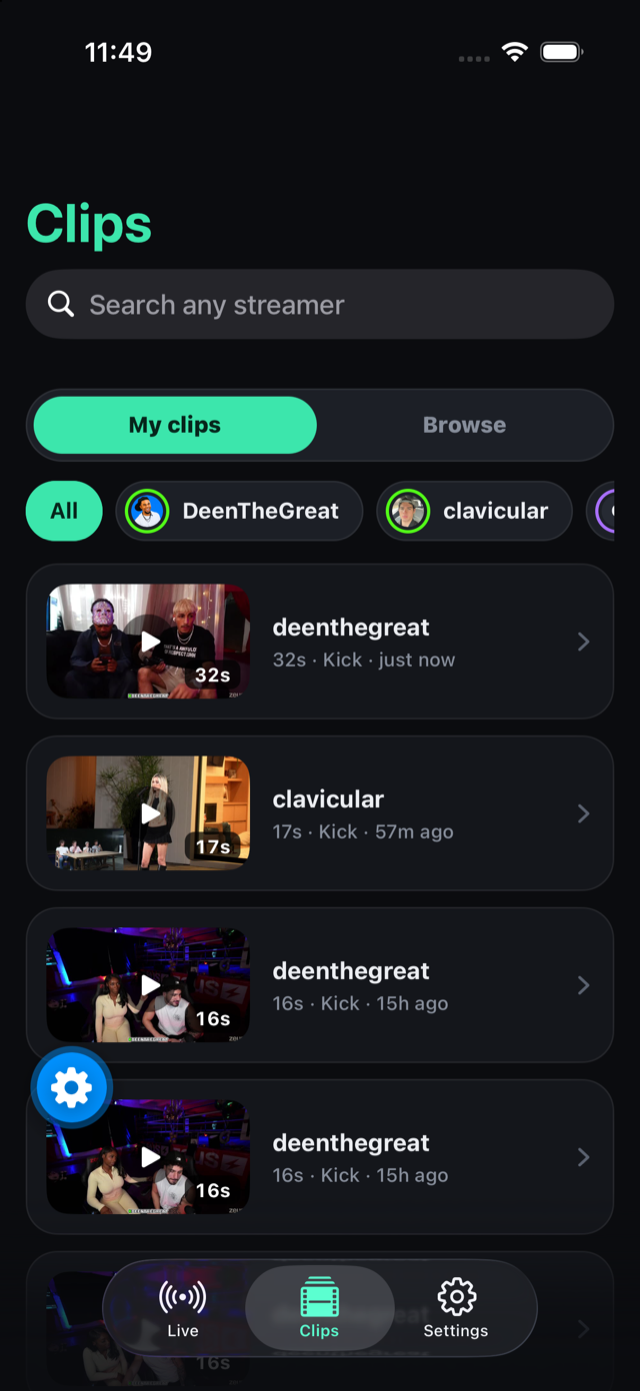
Add a channel and our servers keep the last three minutes of it buffered around the clock, at source quality. Tap 15, 30, 60 or 120 — the clip is cut in about two seconds and lands straight in your camera roll. Same account, same clips as the desktop app.
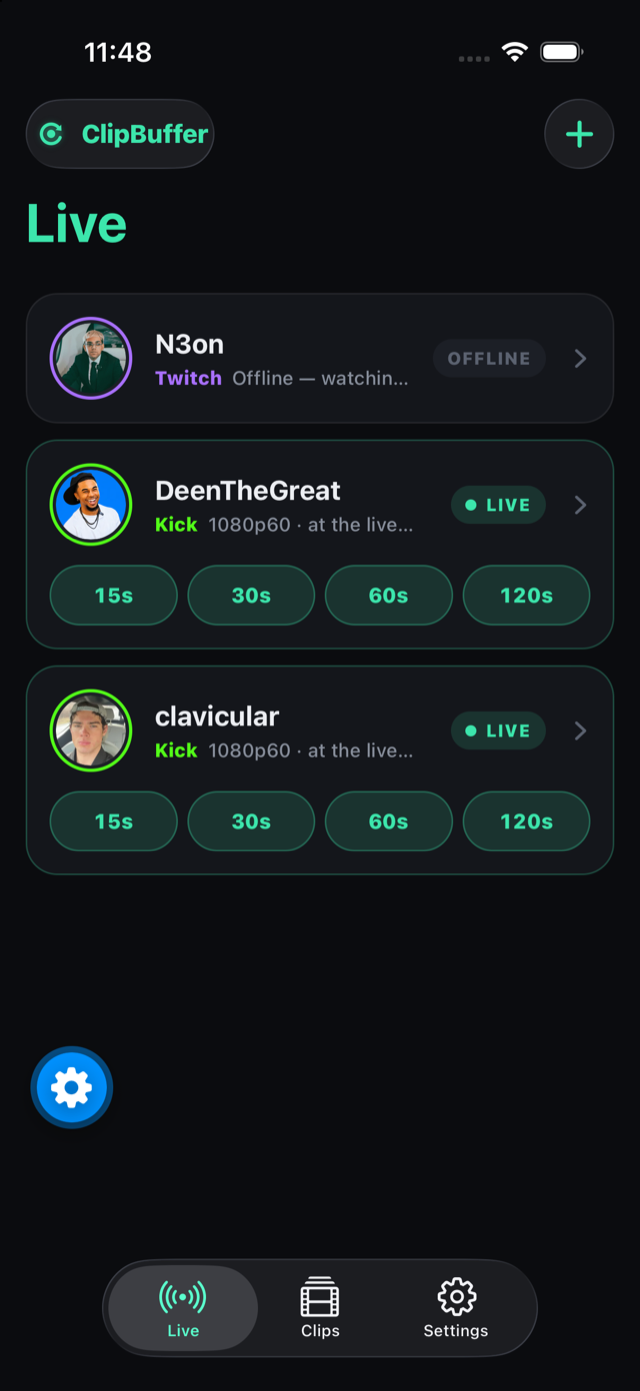
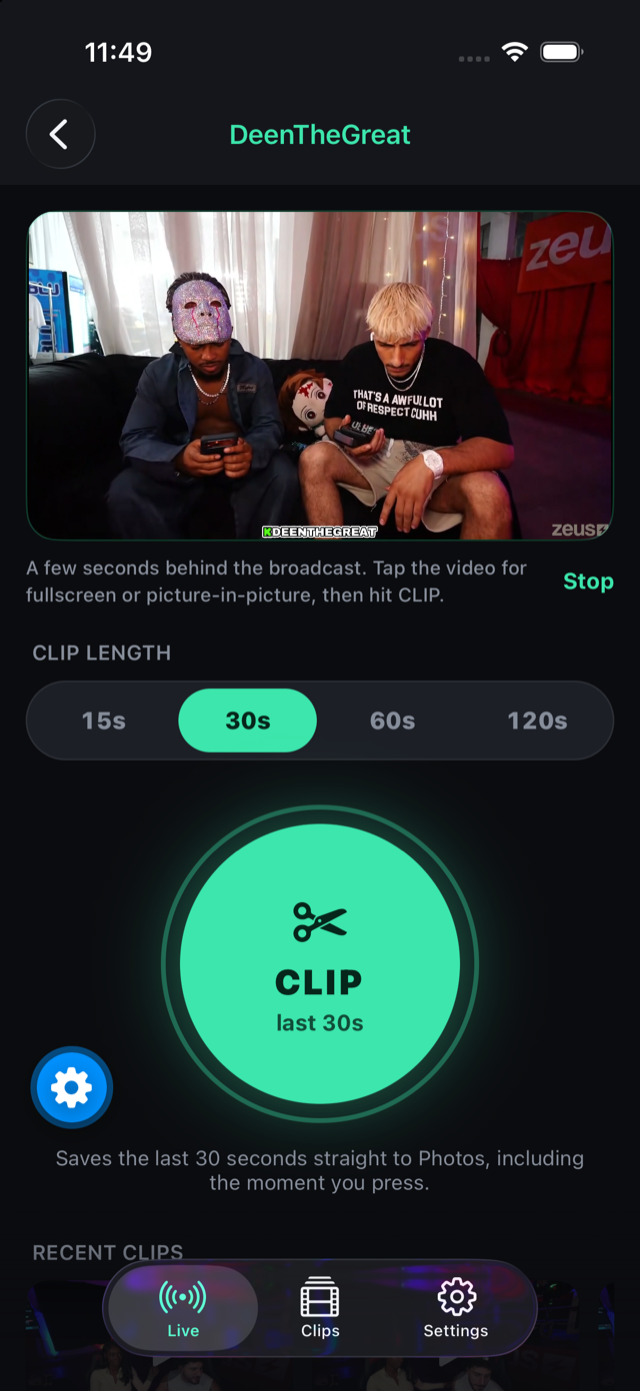
The server watches every channel you add, 24/7, at source quality. Your PC can be off, asleep, or in another country.
Every clip saves itself to your camera roll the moment it's cut. Share it from there like anything else on your phone.
Search anyone on Kick or Twitch, sort by recent or most viewed, save theirs with one tap. Lives in the Shortcuts app and Siri too.
The iPhone app ships through TestFlight and comes with your subscription — ask for the invite on Discord.
Sign in with Discord — your account is your license. One payment unlocks 30 days and stacks on top of whatever time you have left.
Payments are crypto (BTC, ETH, USDT, LTC & more) via OxaPay. Your price is decided automatically when you sign in with Discord.
Download, sign in with Discord inside the app, and start buffering. Updates after this one install themselves. The iPhone app is on TestFlight — see above.